
Why this app stands out
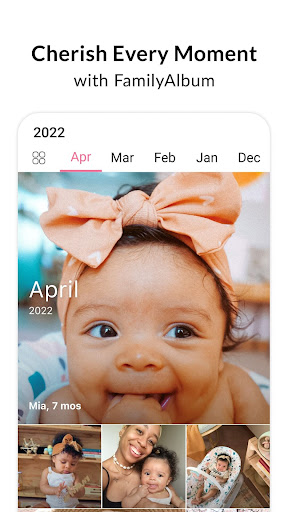
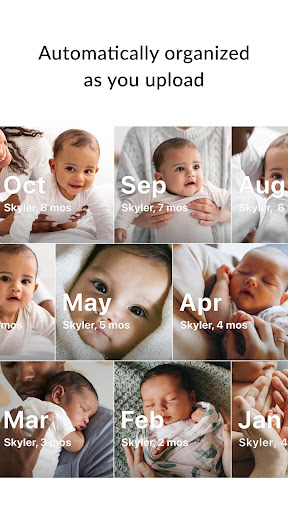
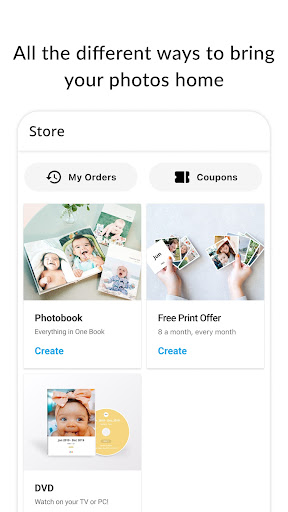
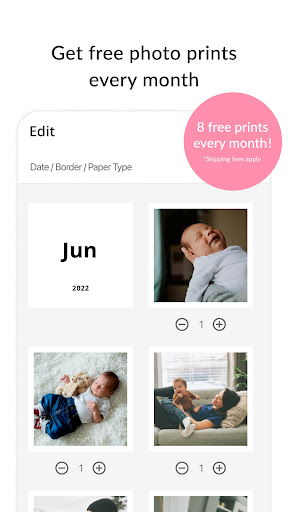
Tired of priceless family moments disappearing into endless camera rolls or messy group chats? 😩 Imagine being able to instantly look back at your child's milestones—first steps, laughter—all organized and private. ✨ FamilyAlbum makes that happen, offering unlimited free storage and 8 free photo prints every month!
🎁 Join millions of families trusting FamilyAlbum to keep their cherished memories safe. Download now and start building your legacy today! 🚀
Unlimited Storage
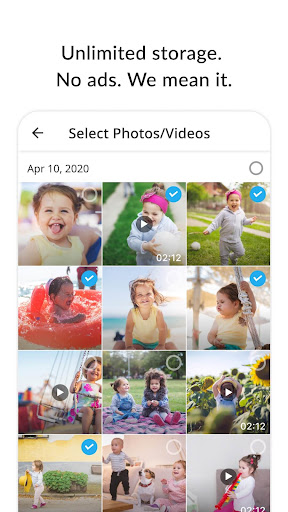
Stop worrying about running out of room for your precious photos and videos! 📸 Store every memory for free, keeping them safe and accessible anytime you want to revisit. Perfect for parents who want to capture every moment without any cost. ✅
Streamlined Sharing
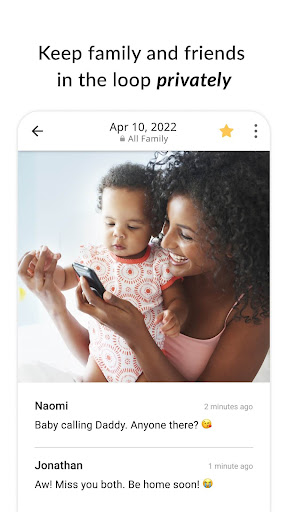
Bid farewell to the chaos of several group chats! 🗣️ Share all your photos and videos in one private album for the family and friends you invite. Everyone stays connected and updated effortlessly. 👨👩👧👦 Ideal for grandparents eager to see daily moments. 🌟
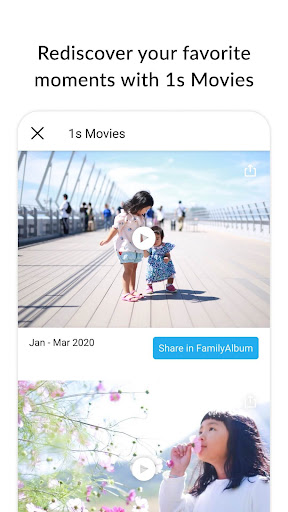
Automatic Movies
Watch your memories come alive! 🎬 The app automatically creates emotional compilation videos from one-second clips, turning everyday moments into heartwarming mini-films. It's a beautiful way to see your child's growth over time. 🥹 A lovely bonus for busy parents! 🎉


